
07 Aug
20 Comment(s)
34497 View(s)
How to install the software needed for the OBD cable J2534 for TOYOTA Diagnostics with Tango?
- Go to https://auto-keys.eu/.
- Click on the "Download" section.
- From section "Tango" choose "Tactrix installation file" to download the software.
- Save the file on your computer and start the file when the download is complete.
- Follow the installation instructions and finish the installation.
- Open Your Computer >> Manage(right click on "Your Computer" and choose "Manage").
- Go to the device menager
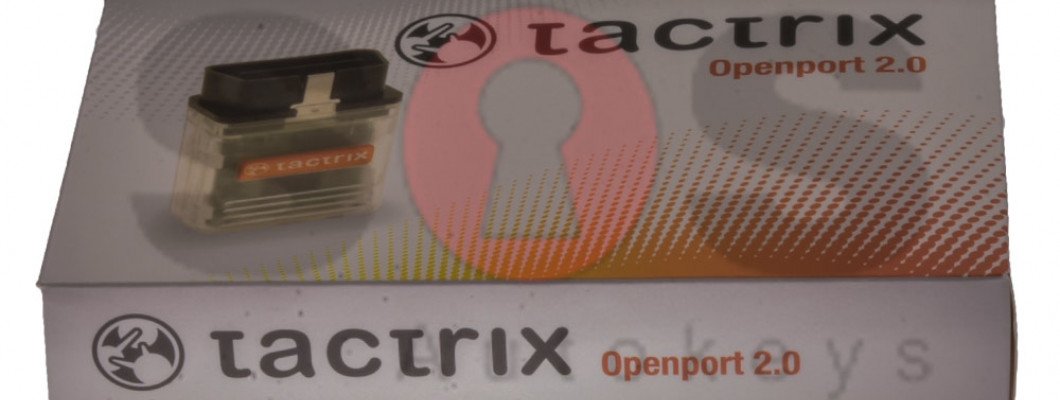
- Go to Vihicle PassThru Interfaces and double click on the "Tactrix Openport 2.0"
- If the installation was successful on the "Device status" section, there should be written "This device is working properly".
2357 Comment(s)
Ahaa, iits nic conversation about this piece of writing at tis pllace att this blog, I hace ead all that, so aat tuis time mee alswo commenting here.
I really like what you guys tend to be up too. Such clever work and exposure! Keep up the terrific works guys I've incorporated you guys to our blogroll.
Thank you for the good writeup. It in fact was a amusement account it. Look advanced to far added agreeable from you! By the way, how can we communicate?
Wow, this article is pleasant, my sister is analyzing these things, thus I am going to tell her.
Ahaa, its good conversation on the topic of this article at this place at this webpage, I have read all that, so now me also commenting at this place.
There is definately a lot to know about this topic. I really like all the points you have made.
Ahaa, its pleasant discussion about this piece of writing here at this weblog, I have read all that, so now me also commenting at this place.
Hola! I've been following your web site for a while now and finally got the courage to go ahead and give you a shout out from Lubbock Texas! Just wanted to tell you keep up the fantastic job!
I want to to thank you for this good read!! I certainly enjoyed every little bit of it. I have you saved as a favorite to look at new things you
What's up, I read your new stuff on a regular basis. Your writing style is awesome, keep up the good work!
Wow, this paragraph is fastidious, my younger sister is analyzing these things, so I am going to convey her.
Way cool! Some extremely valid points! I appreciate you penning this write-up and the rest of the website is very good.
Ahaa, its nice dialogue about this article at this place at this webpage, I have read all that, so at this time me also commenting at this place.
I love what you guys tend to be up too. This kind of clever work and exposure! Keep up the wonderful works guys I've added you guys to my own blogroll.
I need to to thank you for this very good read!! I definitely loved every bit of it. I've got you book-marked to check out new stuff you
Wow that was odd. I just wrote an extremely long comment but after I clicked submit my comment didn't show up. Grrrr... well I'm not writing all that over again. Anyhow, just wanted to say great blog!
How Wikipedia Works iscusses just how you could make the Web's best source for details even better.
Everyone loves it whenever people get together and share thoughts. Great website, continue the good work!
I real thankful to find this website on bing, just what I was looking for :D besides saved to bookmarks.
I am sure this paragraph has touched all the internet viewers, its really really good piece of writing on building up new website.
Leave a Comment